What exactly is Animate Image AI?
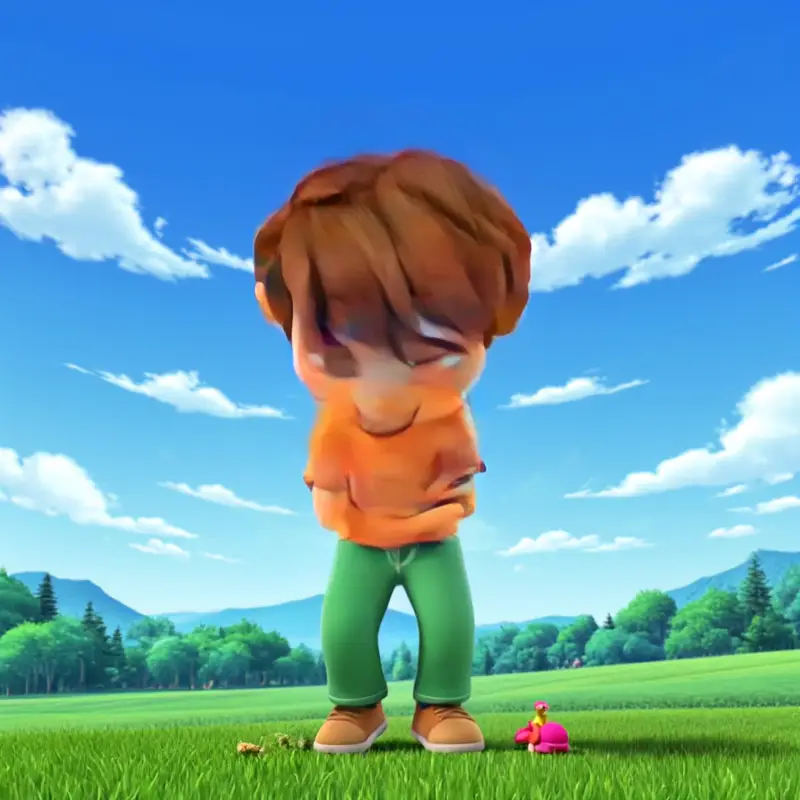
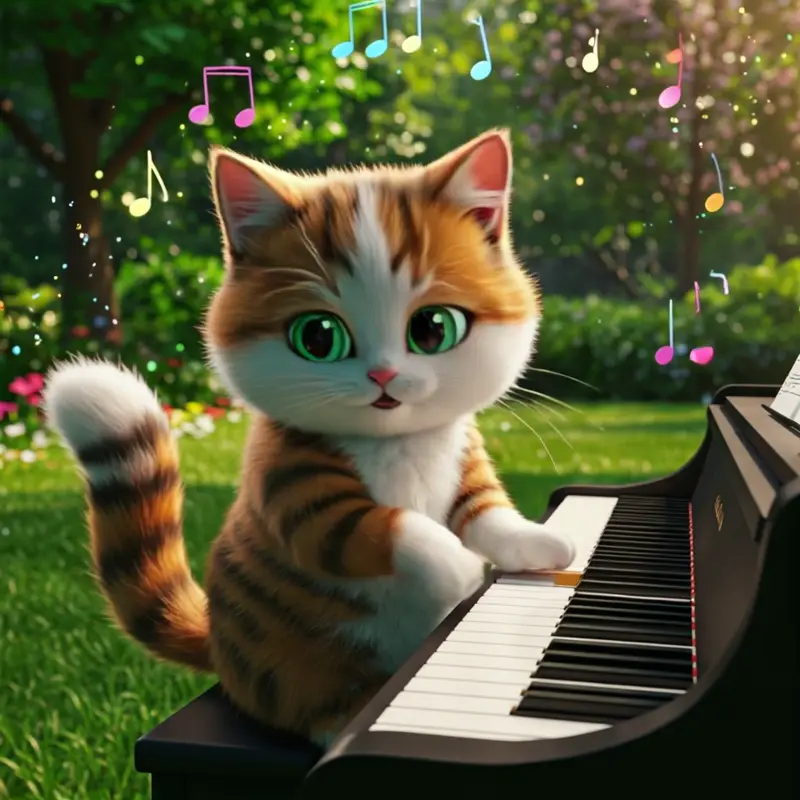
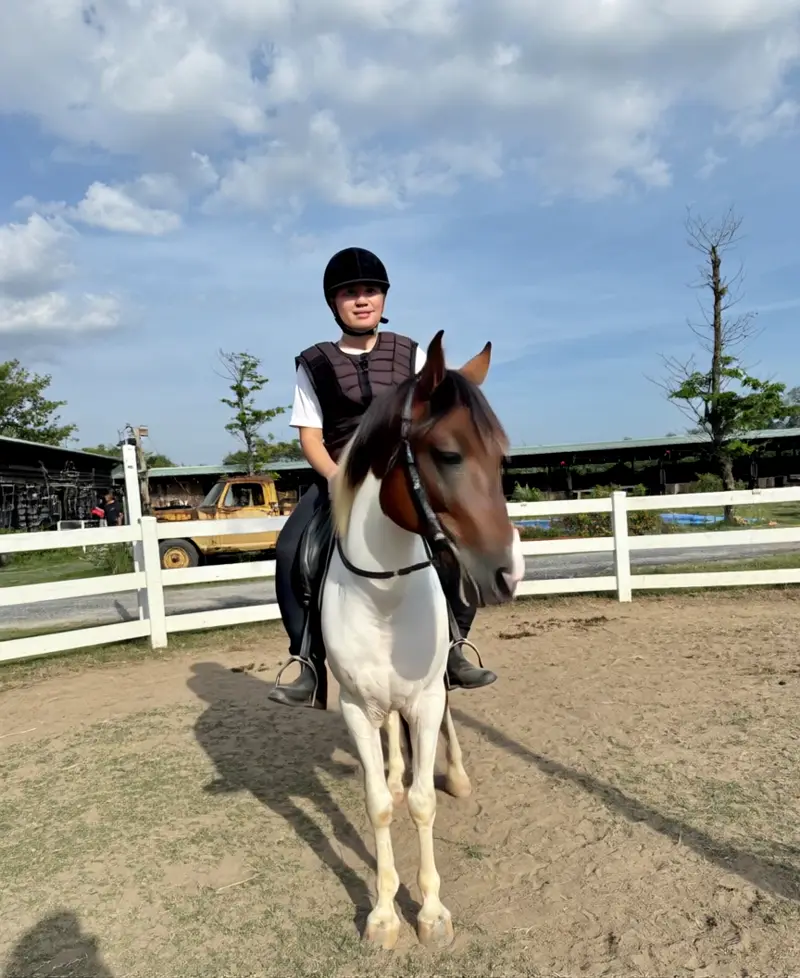
Animate Image AI is an online image-to-video workflow that uses a source picture and a motion prompt to generate a short video. It can be used with portraits, products, landscapes, artwork, and other clear still images.
How do I animate an image using your Animate Image AI?
Upload a supported image, choose an available image-to-video model, describe the motion and camera direction, and generate the clip. Review the result and refine the prompt or settings when important details change.
What images work best with your Animate Image AI?
Clear, well-lit images with a visible subject and simple composition usually produce more controlled motion. Portraits, product shots, landscapes, pets, artwork, and historical images can all be useful starting points.
Can I animate old family photos with Animate Image AI?
Yes. Upload a clear scan and ask for restrained motion such as a natural blink, subtle breathing, or a slow camera move. Generated motion can alter faces or small details, so review the clip before sharing it.
Is there a limit to animating images with Animate Image AI?
Usage depends on the model, current credit cost, account status, and plan. Check the generator controls and pricing page for the limits and settings available when you create a video.
What can I control when animating an image?
The available controls depend on the selected model and may include the motion prompt, negative prompt, duration, aspect ratio, resolution, camera behavior, or reference-frame options. The generator shows the controls supported by the current workflow.
Can I use Animate Image AI outputs commercially?
Commercial use depends on your rights to the source image, the selected model or provider terms, and the site terms that apply to your account. Review those conditions and any third-party rights before publishing generated media commercially.
What formats does Animate Image AI support?
Output format and resolution depend on the selected model and the download options currently shown in the generator or generation history. Check those controls before starting a production workflow.
How long does Animate Image AI take to animate an image?
Processing time varies with the selected model, duration, resolution, queue, and provider status. Keep the generation page open or return to your history to check the task result.
Do I need skills to use your Animate Image AI?
No editing experience is required to start. You need a source image and a clear description of the desired motion; more specific prompts usually make the result easier to evaluate and refine.