Portraits
Try a blink or a light breeze with a still camera. Check the face and hands throughout the clip; a large head turn can invent details absent from the photo.

Use the image for the subject and composition; use the prompt for movement. Start with one small action so you can see what the model changes.
Try a blink or a light breeze with a still camera. Check the face and hands throughout the clip; a large head turn can invent details absent from the photo.
Try a slow camera push or gentle movement in water and foliage. Watch the frame edges for stretching, new objects or flicker.
Try a short camera move around a stationary product. Avoid a full rotation that reveals unseen sides; inspect the label, logo and shape before using the clip.
These are the options for this model in the generator. Guest mode and other models may offer different controls and costs. Check the selected model before generating.
Pause near the start, middle and end. Look for changes to the subject, text and background. If the result drifts, simplify the prompt, reduce camera movement or choose a shorter duration before trying again.
Compare the image and video examples belowThe example pairs come from our existing library. Their original model, settings and prompts were not recorded. The settings above and suggested prompts below are starting points for your own test, not a recipe guaranteed to reproduce those clips.
These image and video pairs come from our existing example library. The prompts are suggested starting points, not the original generation prompts. Results vary by model and settings.
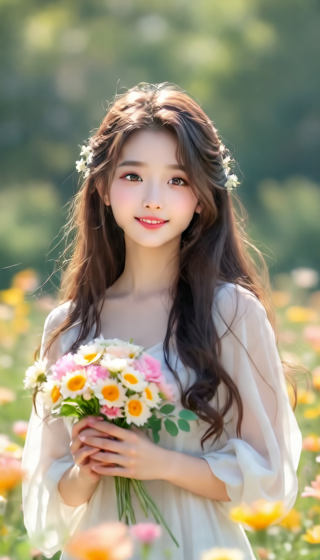
Prompt idea (English)
A gentle breeze moves the woman's hair and the flowers around her. She blinks naturally. Keep the camera still, her facial features consistent, and the background stable. Use subtle motion rather than a large head turn.
Try this workflow : Portrait in a flower garden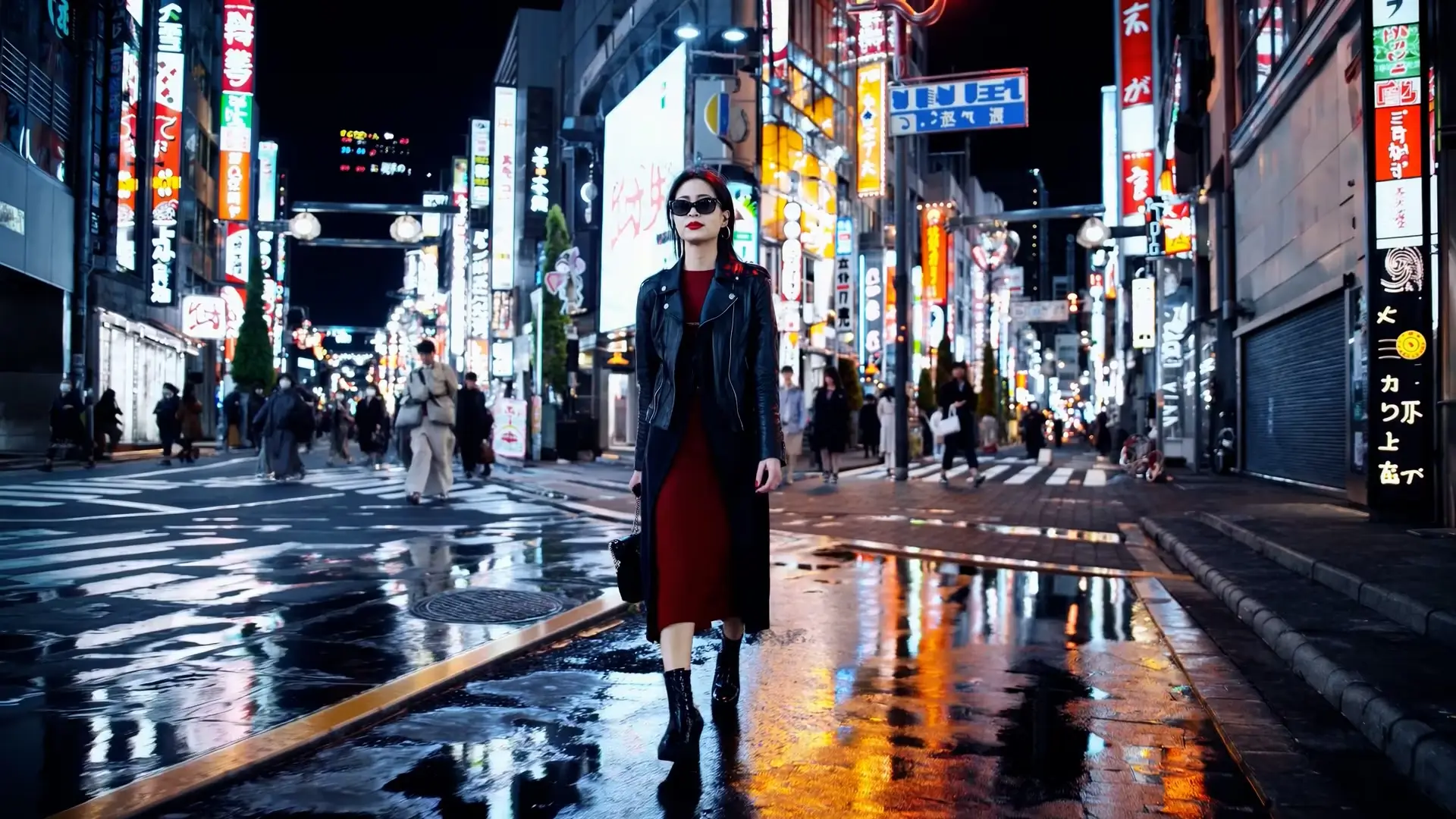
Prompt idea (English)
Slowly push the camera toward the person in the neon-lit street. Add gentle movement to the scene while keeping the person, buildings, and signs consistent with the reference image. Avoid abrupt camera changes or new objects.
Try this workflow : Neon-lit city sceneAn image to video AI generator turns a still image into a moving video clip. It uses your uploaded image as the visual reference and creates motion, camera movement, and scene changes from your prompt.
Trial options depend on your country, the selected model and available limits. Some generations require sign-in and credits. Check the model and cost shown in the generator before starting.
Guest access is available only where supported and for the eligible models. Other models and account features may require sign-in. The generator shows the options available for your session.
Describe one motion and what should stay stable. For example: “A gentle breeze moves the hair. Keep the camera still, the face consistent and the background stable.” Start with subtle movement rather than several actions or a large rotation.
Yes. The image to video tool also works as a photo to video AI generator for portraits, product shots, old family photos, event pictures, artwork, and social media visuals.
Yes, from the options supported by the selected model. Duration, resolution, aspect ratio and credit cost can change when you switch models. The settings example on this page applies to its named model, not every model.
Clear images with a visible subject, good lighting, and simple composition usually produce cleaner motion. Product photos, portraits, illustrations, and old photos can all work well.
You can create a clip to evaluate for an ad. Start with a small camera movement, then inspect the product’s shape, color, label and logo throughout the clip. Generation does not guarantee that these details will stay identical.