NewSeedance 2.0
Available now

Image

Image 2

(optional)

Formats : .png, .jpg, .jpeg, .webp

Taille max : 20 Mo

Crédits : 1

Animate Photo AI

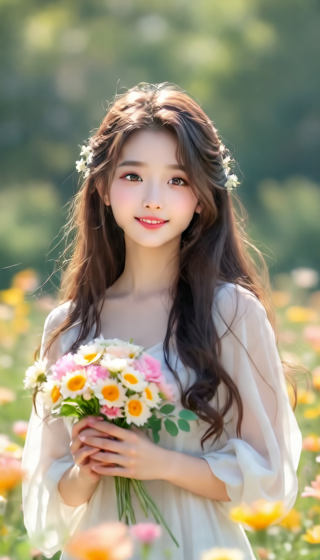
Make pictures move with AI. Upload a photo, guide the motion with a prompt, and create animated videos from portraits, landscapes, products, or old photos.

AI Video Generator Interface

How to Animate a Photo with AI

Use Animate Image AI to make a still picture move in three steps.

  1. Upload the photo or picture you want to animate.
  2. Write a motion prompt such as make the person smile, add wind, zoom in slowly, or animate the background.
  3. Generate the animated photo video and iterate with a clearer motion prompt if needed.

Animate Photo AI FAQs

How do I animate a photo with AI?

Upload a photo, enter a prompt describing the motion, and let the AI generate a short animated video from the still image.

Can I make a picture move online?

Yes. You can make a picture move online with AI motion prompts such as slow zoom, camera pan, facial movement, product rotation, or moving background.

What photos are best for animation?

Use clear photos with a visible subject, good lighting, and simple background. Portraits, products, pets, landscapes, and artwork are good starting points.

Can I animate a photo without editing skills?

Yes. The AI handles the animation process, so you only need to upload an image and describe the motion you want.

Can I animate photos for marketing?

Yes. Animated product photos, lifestyle images, and campaign visuals can help create short social ads and scroll-stopping content.

How do I avoid strange motion?

Use specific prompts and tell the AI what should stay unchanged. For example, keep the face consistent, only move the camera, or keep the product shape stable.