Crédits : 1
3D Retexture Tool | Apply New Materials Online
Retexture 3D models online with AI. Upload a model, describe a new material style, or use a reference image to generate updated textures and surfaces.
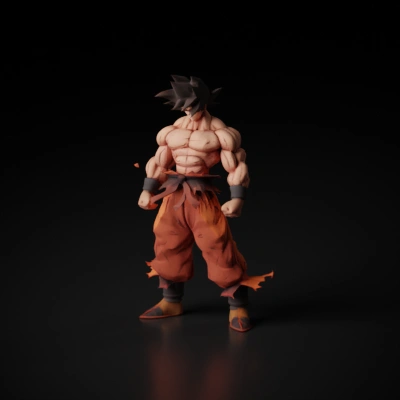
How to retexture a 3D model
Upload the source model, describe the new style or provide a style image, then wait for the retextured GLB result.
- Upload the model file you want to retexture.
- Provide either a text style prompt or a style reference image.
- Submit the task and review the new textured model after the background task completes.
Retexture FAQ
Do I need both a prompt and a style image?
No. You can provide either a text style prompt or a style image. One of them is required.
Will it change the mesh structure?
Retexture focuses on material and surface appearance. Use remesh if you need topology changes.
What file do I get back?
The current aligned retexture flow stores the result as a downloadable GLB model.