Crédits : 1
Text to 3D AI Generator | Create 3D Models Online
Turn text prompts into downloadable 3D models online. Generate GLB assets with Meshy and other AI 3D models for games, design, prototyping, and creative projects.
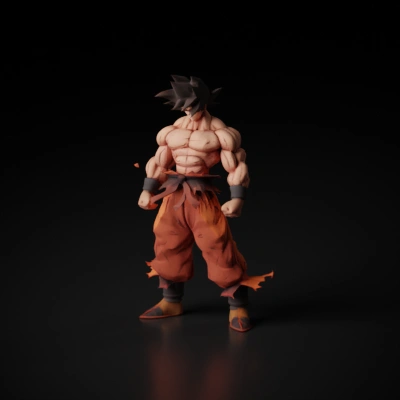
How to generate 3D from text
Start with a simple object prompt, pick a supported model, and wait for the GLB asset to finish processing.
- Describe one object clearly and include material or style only when it helps the shape.
- Choose a text-to-3D model and keep the default settings unless you need extra control.
- Submit the task and review the generated model from your recent history once it completes.
Text to 3D FAQ
What prompts are the most stable?
Short prompts with one clear subject and a small amount of material or style detail are the most reliable.
What file format is returned?
The current aligned 3D flow stores the result as a downloadable GLB asset.
Can I iterate on the result?
Yes. The safest workflow is to start simple, inspect the first result, then adjust the prompt or change models.