Crédits : 1
Image to 3D AI Generator | Convert Images to 3D Models
Convert reference images into downloadable 3D models online. Upload a product, character, or object image and generate textured GLB assets with AI 3D tools.
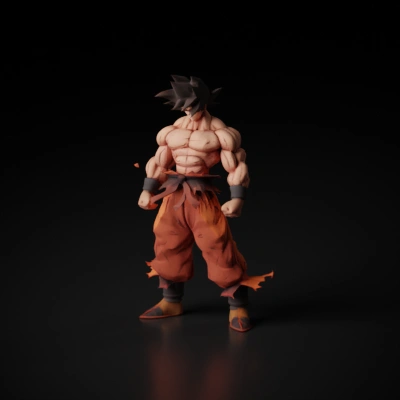
How to generate 3D from an image
Upload a clear subject image, choose a supported image-to-3D model, and wait for the GLB result.
- Use a centered subject with a clean background and a strong silhouette whenever possible.
- Choose an image-to-3D model and keep the default settings unless you need a specific mesh behavior.
- Submit the task and download the finished 3D model from your recent generations after processing completes.
Image to 3D FAQ
What images work best?
Images with a clear subject, limited occlusion, and simple lighting usually produce the most stable geometry.
Do all routes return textured meshes?
No. Texture availability still depends on the selected model and what that provider returns.
Does visibility still follow the existing site rules?
Yes. The 3D generator continues to use the current mainline public and private visibility flow.